Source: techcrunch.com
A recording people can see
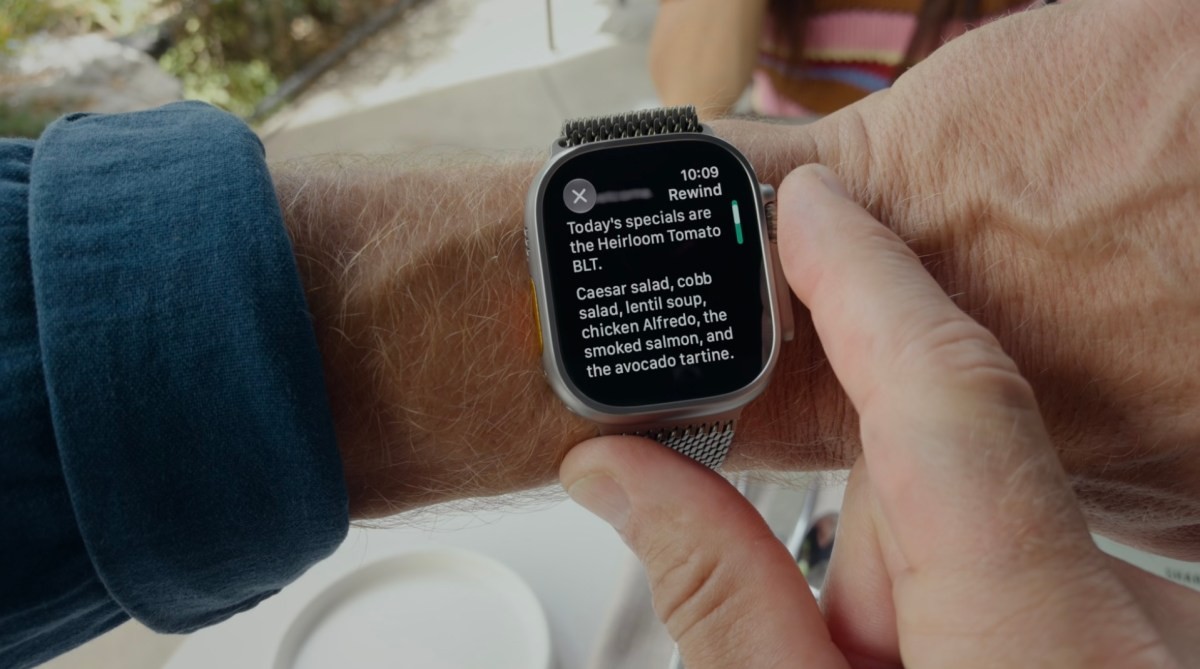
Live Rewind is built for moments when a sentence slips past. Double-press the Digital Crown and the watch displays text of what was said in the previous 15 seconds. You can review the fragment and let it disappear, or save it in the Siri app introduced in iOS 27. A “Ask Siri” button can answer questions about the snippet.
The watch plays a sound and shows an animation when recording starts. If you do not save the fragment, it is deleted after 30 seconds.
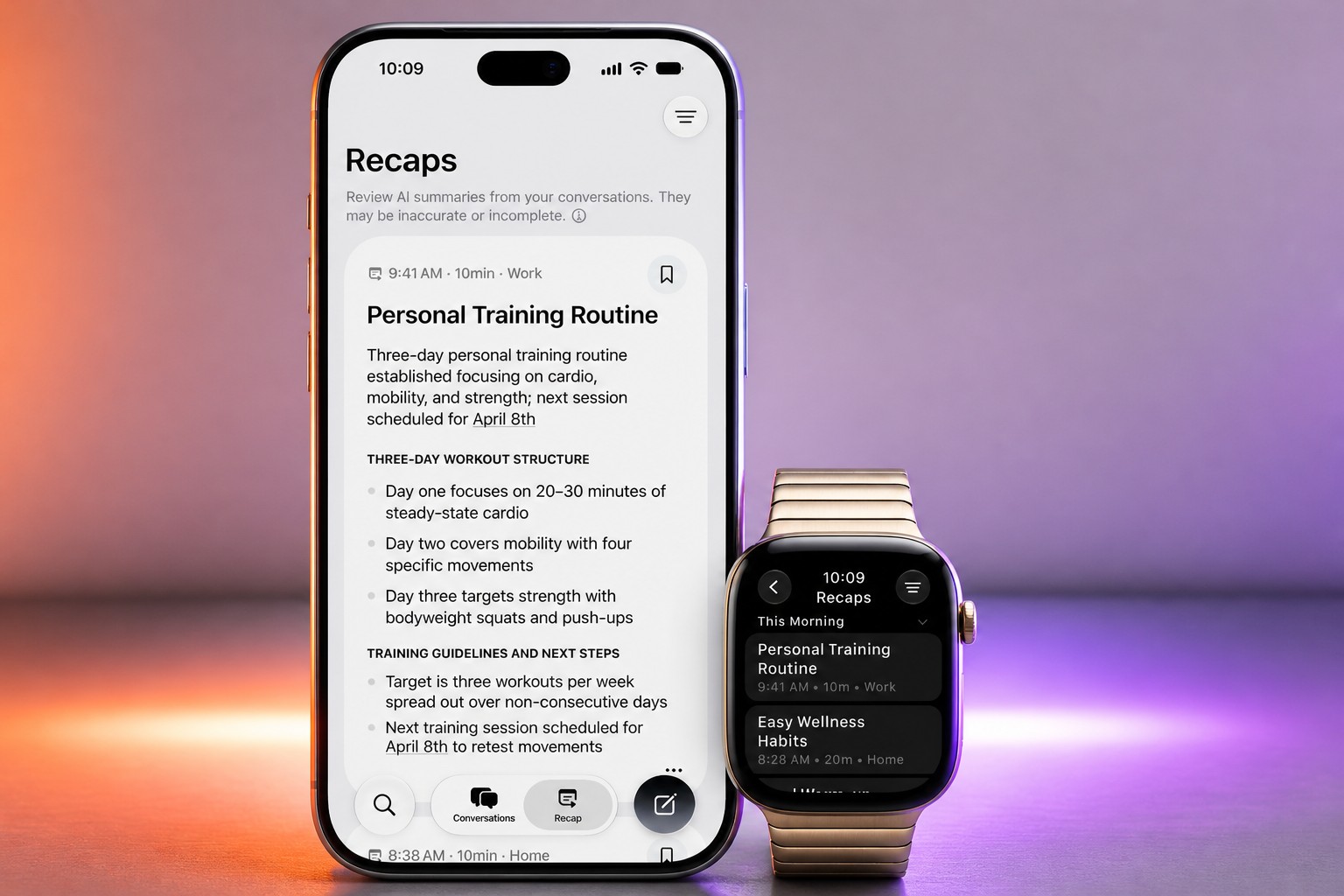
Siri Recaps takes a different approach. Apple says it does not identify speakers, preserve the original audio or produce a verbatim transcript. It creates a brief summary and key points, which may include dates, deadlines, prices or payment terms.
The feature is intended for situations such as work meetings, school parent-teacher meetings and training sessions, when taking notes is inconvenient. It will not record speech while the user is listening to music through headphones or using noise cancellation.
At the end of the day, the watch prompts users to review saved summaries. They can keep them in Notes or export personal ones to Journal; otherwise, the summaries are deleted within seven days. Users can also schedule Recaps, stop recording from Control Center, and review saved summaries at the first morning unlock.
Where the audio goes
Audio Intelligence for Apple Watch Series 12 and Apple Watch Ultra 4 combines the S11 chip and built-in microphone with Apple Intelligence models running on iPhone and Apple’s Private Cloud Compute.
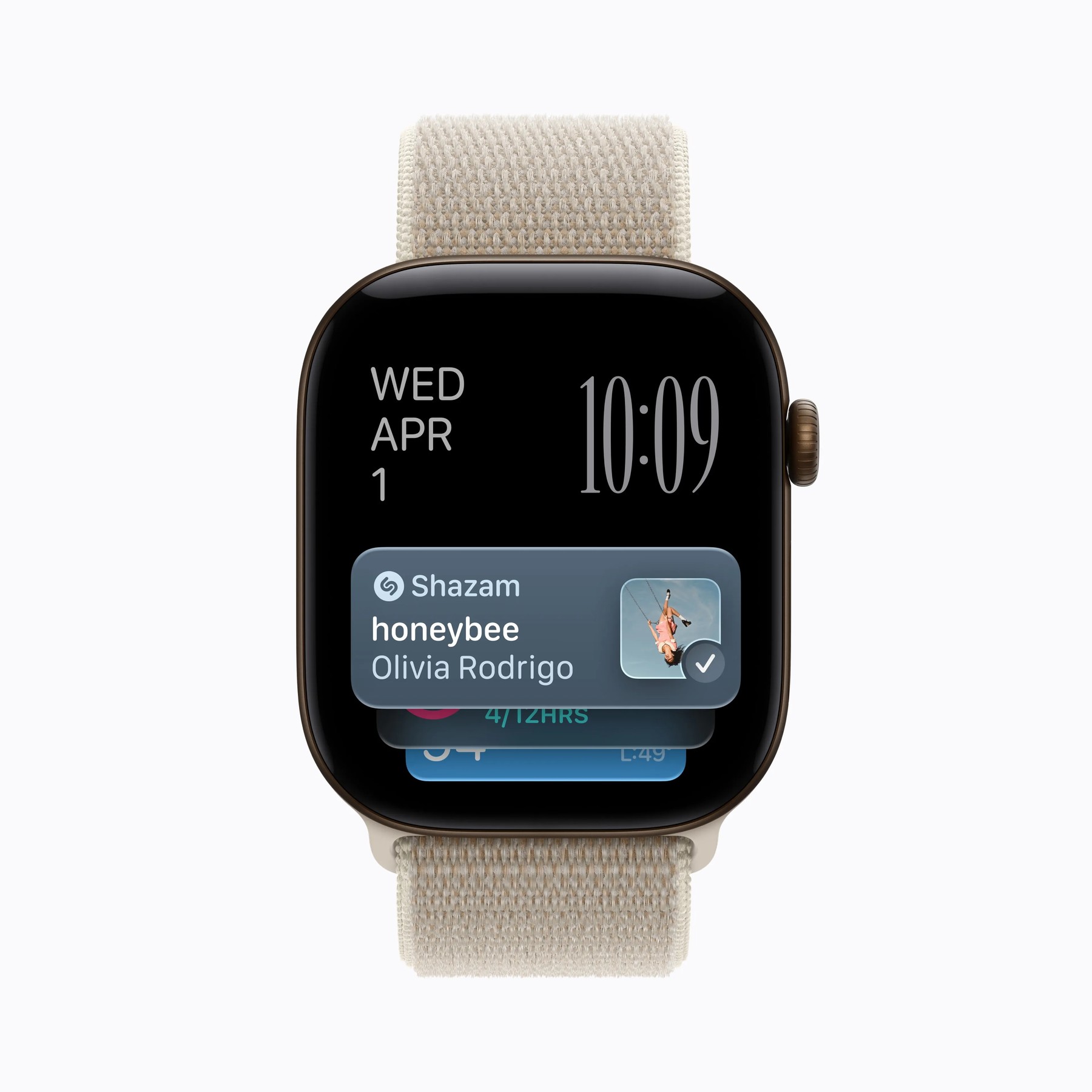
The watch’s always-on processor uses a hardware-isolated Secure Enclave to handle raw audio. According to Apple, only the paired iPhone can access it, over a secure connection. Lightweight models on the S11 detect whether the watch owner is part of a conversation; the audio then goes to the iPhone, where it is turned into shortened text with filler words removed. That text is encrypted and sent to Private Cloud Compute to produce a summary. Apple says the summary and the material used to generate it are deleted from PCC immediately.
Only the user can open summaries on iPhone, Apple says, and they remain encrypted when synced between Apple devices. Live Rewind’s 15-second clips also pass from the watch to the iPhone. Apple says the features should not affect battery life. They are being tested before a wider public beta.
The missing test
Apple’s visible recording signal is a direct response to the privacy concerns raised by AI-enabled recording devices, including Meta’s glasses and other wearables. But the more interesting question is what happens when the summary is wrong, incomplete or stripped of context. Apple describes what the system excludes and where it processes audio; it says less about how users should judge a recap they may later treat as a record of what was agreed.
I think the design’s real test is not whether it can produce a tidy list of action items. It is whether people nearby understand when a watch is listening—and whether the person wearing it trusts the summary enough to rely on it. That tension will follow the feature into any meeting where remembering matters.
Daily AI news
Every day we pick what actually matters in AI and explain it plainly — no hype, no filler. Subscribe if you want to follow where the industry is going.
Only what matters — every day
Follow on X