
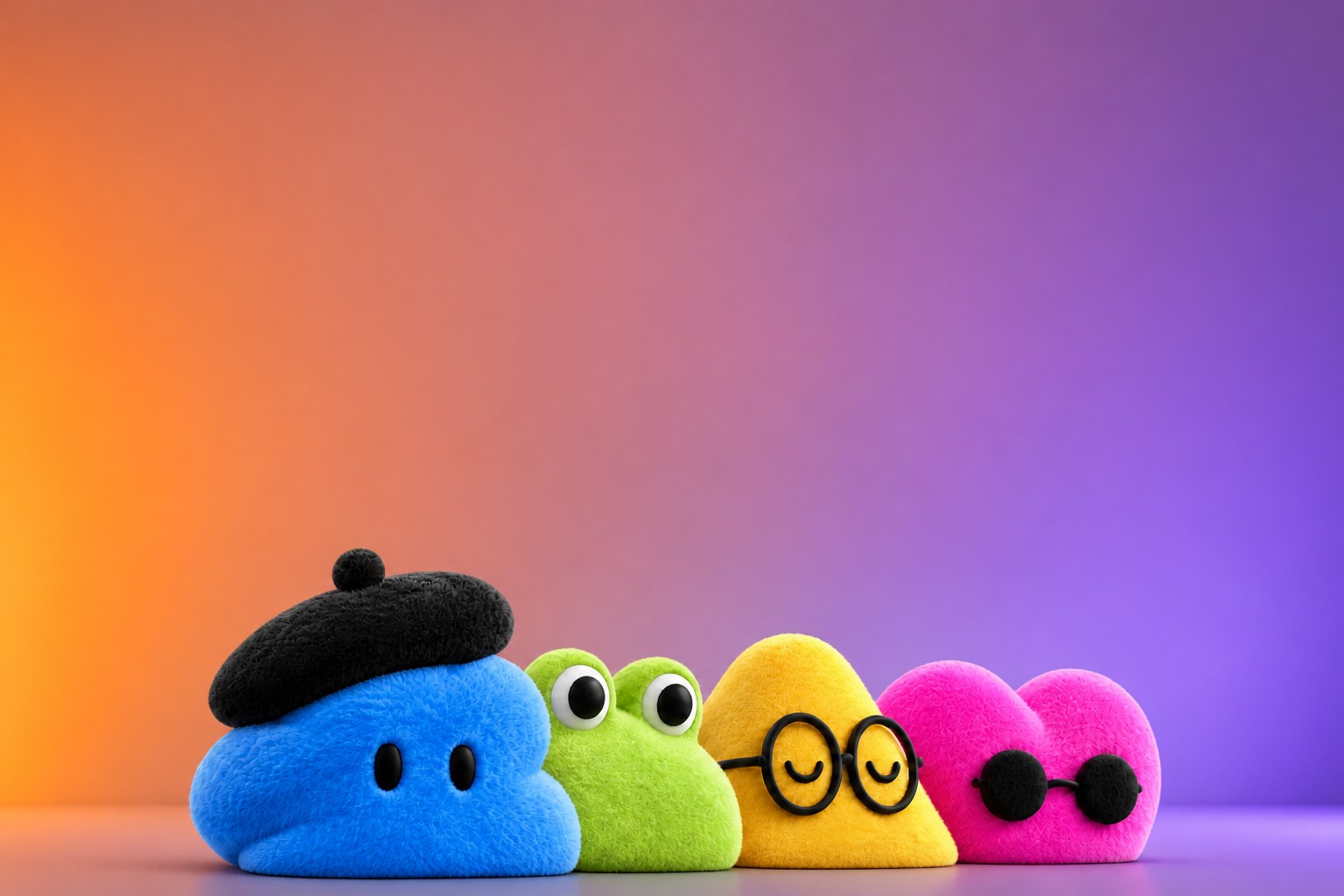
An agent with its own computer
Dots run on GPT-6 Astra. Each has a browser-equipped cloud computer, letting it work around the clock: researching, analyzing data, writing documents and creating software with Codex. OpenAI says a Dot can track projects and alert users when it needs their attention.
Users can reach an agent through ChatGPT, Slack or Microsoft Teams, by text or voice. OpenAI says Dots retain context across those channels. Plug-ins connect them to more than 4,000 apps, and a Dot can work on several projects at once.
The desktop demos show a chat on one side and the agent’s work on the other, such as a Google Slides presentation or its cloud computer with a browser, terminal and file storage. Users can press “Take over” to intervene. A Dot can access a user’s laptop only with permission.
The key distinction from Computer Use in ChatGPT Work is where the agent works and how tasks begin. ChatGPT Work requires users to start each task, and the agent operates on their screen. Dots work by default on their own computers and hand tasks to Codex when needed.
OpenAI’s examples range from following a bug report in Slack through to a new software build, to preparing a forgotten invoice and sending it after the user approves. Everyday errands, such as ordering food by text, appeared in demos too, but OpenAI says that capability will come later. Users get one Dot at launch; the company says it plans to build teams of agents over time.
Source: the-decoder.com
Initiative with guardrails
When users are not actively working with a Dot, it can look for ways to help in what OpenAI calls “proactive research.” In that mode, it can use only read-access tools: it cannot send messages, change content or control a browser or computer.
For active tasks, Custom Rules let users permit actions, require confirmation or prohibit them. OpenAI says an automated check compares actions involving accounts or information transfers with those rules before they happen. Sensitive tasks such as changing a password remain with the user.
Dots can use saved passwords without exposing them to the model. OpenAI says safeguards are designed to block malicious instructions, and monitoring can pause or stop an agent if safety problems arise. Activity View shows what an agent is doing, including background work. The company also acknowledges that agents can make mistakes and advises users to check results when the stakes are high.
OpenAI says it does not train models on data from Business, Enterprise and Edu workspaces by default. Personal-plan users choose whether their Dot conversations and work can be used for training. The company says it does not directly train on an agent’s background research or private notes.
Source: the-decoder.com
Access, pricing and the unanswered question
Pro subscribers can use Dots only outside the European Economic Area, Switzerland and the United Kingdom for now. Business Premium customers have access in all supported regions; Enterprise, Edu and Healthcare users can try a beta once an administrator enables it. Users must set up a Dot in the desktop app or browser before using it on mobile.
The first Dot is included in a subscription, and chatting with it does not count against usage limits. Tasks run through Codex or ChatGPT Work follow their usual limits, which OpenAI will raise for the first month. The company plans to charge separately for additional Dots, faster service or more work later.
For organizations, OpenAI is developing specialized Dots with assigned roles, their own identities and credentials, and, if a company chooses, computers provided by its IT department. OpenAI says it has tested them internally for procurement, invoice processing, email marketing, customer support and contract management. Rollout will start with pilots at selected companies. OpenAI is also working with Microsoft to bring specialized Dots to Agent 365, Microsoft’s platform for managing agents.
I think the core test is not whether a Dot can complete a polished demo, but whether users can predict what it will do while they are away. The announcement describes permissions, activity logs and safeguards, but says little about how often agents will interrupt users, misread context or require correction. That gap matters most for a product whose selling point is acting without being asked.
Daily AI news
Every day we pick what actually matters in AI and explain it plainly — no hype, no filler. Subscribe if you want to follow where the industry is going.
Only what matters — every day
Follow on X